
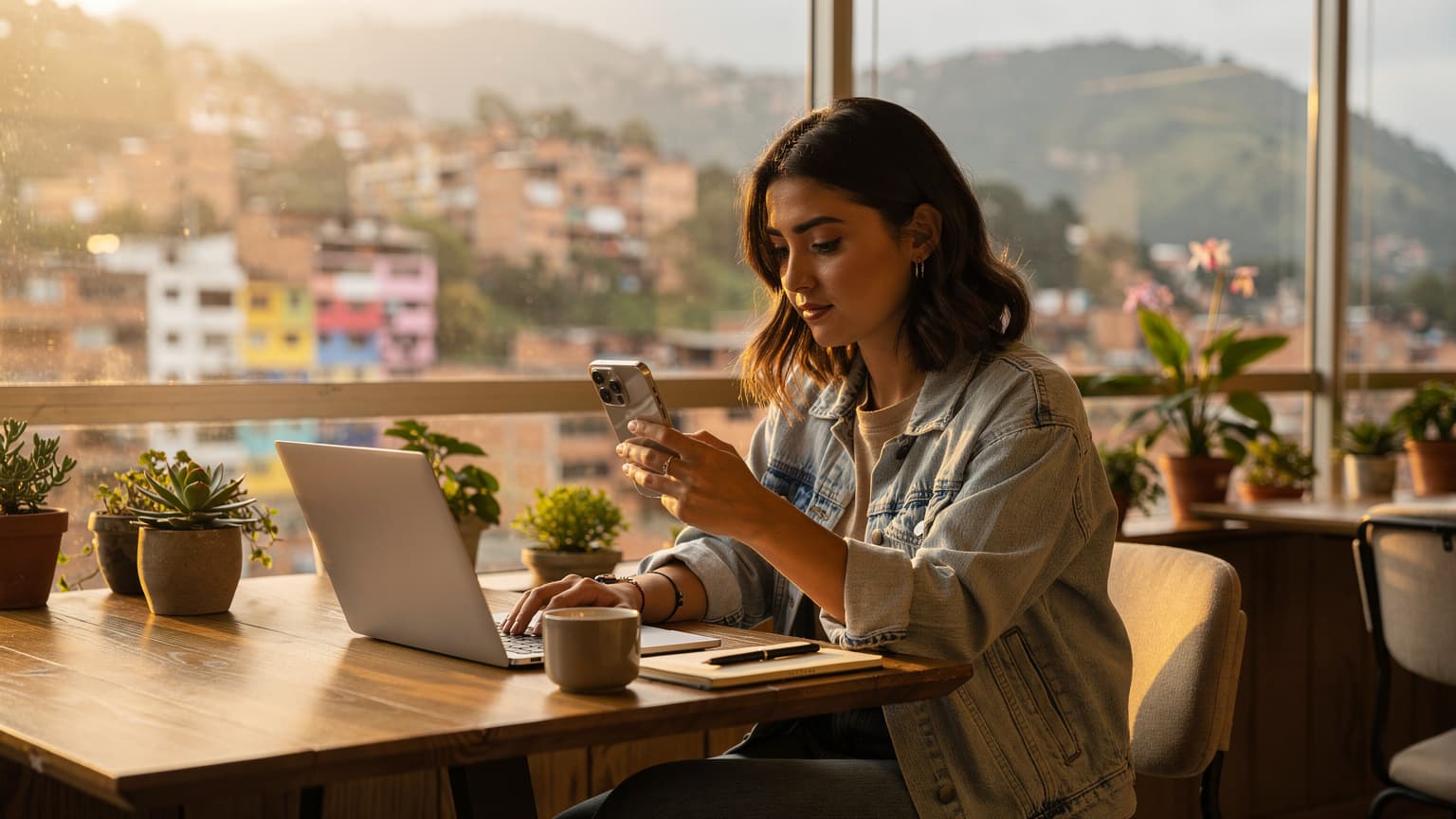
Look, after four years of bouncing around, setting up internet is either a five-minute breeze or a two-day headache that costs you a day's work. With the new Galaxy S26, the eSIM functionality, especially for long stints in South America, has become one of those rare things that actually makes life easier. Forget fiddling with tiny SIM trays at Ezeiza or El Dorado after a red-eye. Your phone, if you’ve got the S26, is already half-ready for whatever Buenos Aires or Bogotá throws at it.
Why Your Galaxy S26 is an eSIM Game-Changer in South America
The Galaxy S26, like its predecessors, offers robust eSIM support, which means no more physical SIM cards. For long-term travelers and digital nomads in South America, this isn't just a convenience, it's a strategic advantage. You can land, connect, and get to your Airbnb without that frantic search for a Claro or Movistar shop that's actually open and not trying to upsell you a plan you don't need. I’ve been there, staring at a closed store on a Sunday in Santiago, cursing my reliance on physical plastic.
Beyond convenience, the S26's eSIM capability allows for instant switching between plans. If you're spending a month in Peru and then hopping over to Ecuador, you can manage both data plans directly from your phone's settings. This flexibility is gold when you're trying to keep costs down and maintain consistent connectivity. My group chat of nomads is always buzzing with tips on the latest data deals, and being able to activate one in minutes, without a trip to a store, is a constant win. Remember that time I told you about trying to get an eSIM in the US? Same principle, but with more empanadas.
The Benefits of eSIM for Extended Stays Versus Local SIMs
For short visits, a local physical SIM might seem fine, but for an extended stay, an eSIM provides unparalleled agility. You're not tied to a single local provider's pricing whims or coverage gaps. You can buy a regional plan that covers multiple countries, or individual country plans as needed. This flexibility is crucial when you're trying to keep a budget in check. My rent in Palermo, Buenos Aires, for a decent one-bedroom apartment usually runs about $600-$800 USD a month, so every bit of savings on data helps. Being able to compare providers and switch on the fly means you're always getting the best deal, rather than being stuck with what's available at the airport kiosk.
Samsung Galaxy S26 Specific eSIM Features and Limitations
The S26 maintains Samsung's strong track record with eSIM. You can store multiple eSIM profiles on your device, though only one (or two, if you're running a physical SIM alongside an eSIM) can be active at a time for data. This is a huge plus for those of us who juggle a 'home' number and a travel data plan. The interface is intuitive, buried in the 'Connections' menu. One minor limitation, and it's a common one across many devices, is that sometimes the phone takes a minute to properly register the new network, especially if you're in a less developed area. Patience is key there. Oh, and if you're thinking about using your laptop for a similar setup, you might want to check out eSIM for PC: Staying Connected on Your Laptop Abroad in 2026.
Picking the Right eSIM Plan for South America Expat Life
This is where many people get tripped up. Don't just grab the cheapest plan. Think about your actual usage patterns. Are you a heavy video streamer? Mostly emails and WhatsApp? Your needs will dictate the data package you need.
Global, Regional, or Country-Specific: Which Plan is Best?
For long-term expats, especially those moving between countries, a regional plan for South America often strikes the best balance. It covers you across multiple borders, avoiding the hassle of buying a new plan every time you cross into, say, Chile from Argentina. If you know you'll be in one country for three months, a country-specific plan might offer more data for less money. Global plans are great for truly hopping around, but they tend to be pricier per GB.
| Plan Type | Best For | Pros | Cons |
|---|---|---|---|
| Global eSIM | Frequent country-hopping, short stays across many regions | Ultimate flexibility, wide coverage | Highest cost per GB, data often capped |
| Regional eSIM (South America) | Extended stays in a specific region, moderate cross-border travel | Good balance of coverage and cost, seamless border crossings | Might not be cheapest for single-country deep dives |
| Country-Specific eSIM | Long stays (1+ month) in a single country | Best value for data, often faster speeds | Requires new purchase for each new country, can be less convenient |
Data Allowance and Validity Periods: What to Look For
Don't be fooled by big data numbers with short validity. If you're staying for two months, a 30-day, 10GB plan that costs $20 might seem good, but you'll have to buy it twice. Often, a 60-day, 20GB plan for $35 is a better deal. Look for plans with longer validity periods (60, 90, or even 180 days) even if they cost a bit more upfront. It saves you the headache of constantly topping up. My general rule is to aim for at least 15-20 GB per month if I'm not relying heavily on Wi-Fi, which, let's be honest, in some parts of South America, you can't always count on. The eSIM Explained: Your €20 Travel Data Reality Check for 2026 provides a solid framework for understanding these costs.
Network Coverage and Speed in Key South American Cities
This is crucial. In major cities like Medellín, Santiago, or Lima, you’ll generally find excellent 4G LTE coverage. Claro, Movistar, and Tigo are common players, and most reputable eSIM providers partner with them. However, venture into smaller towns or rural areas, and coverage can drop off a cliff. Always check the provider's network partners and coverage maps for the specific regions you'll be in. For example, in Medellín, the Selina co-working spaces usually have solid fiber internet, but if you're out exploring Comuna 13, you'll be glad for a reliable data plan. My average cost of living in Medellín, including that Selina co-working membership, runs about $1,200-$1,500 USD per month.
| City/Country | Key Local Carriers | Typical eSIM Partners | Expected Speed (4G LTE) |
|---|---|---|---|
| Medellín, Colombia | Claro, Tigo, Movistar | Claro, Tigo | 20-50 Mbps |
| Santiago, Chile | Movistar, Entel, WOM | Movistar, Entel | 30-60 Mbps |
| Buenos Aires, Argentina | Movistar, Personal, Claro | Movistar, Personal | 15-40 Mbps |
| Lima, Peru | Claro, Movistar, Bitel | Claro, Movistar | 25-55 Mbps |
Your Pre-Departure Checklist for South America eSIM Success
Before you even pack your bags, there are a few things to sort out. Trust me, doing this from your couch is infinitely better than trying to debug a connectivity issue from a noisy airport lounge with spotty Wi-Fi.
Ensuring Your Galaxy S26 is Unlocked and eSIM Compatible
First things first, is your S26 unlocked? If you bought it directly from a carrier, there's a good chance it's locked to them. You'll need to contact your home carrier to get it unlocked before you leave. An unlocked phone is non-negotiable for using any third-party eSIM. All Galaxy S26 models are eSIM compatible, so that's one less thing to worry about, but the unlock status is critical. Don't skip this.
Downloading Necessary Apps and Backing Up Your Device
Make sure you have all essential apps downloaded while you still have reliable home Wi-Fi. Think banking apps, messaging apps (WhatsApp is king in South America), VPN, travel apps, and any entertainment for long flights. More importantly, back up your device. Always. You never know when you'll need to reset something or when a bug might crop up. Having a fresh backup means you can restore without losing important data or settings.
Researching eSIM Providers and Purchasing Your First Plan
Don't wait until you land. Research eSIM providers that cover your destination(s). Look at reviews, data allowances, validity, and pricing. Once you pick one, buy your initial plan before you fly. You'll usually receive a QR code or manual activation details via email. This way, you can activate it the moment you land, or even before you leave if you want to test it. I always recommend having a plan ready for the first 7-10 days, just to get settled.
Step-by-Step: Activating Your eSIM on a Galaxy S26
Okay, you've got your S26, your plan's purchased, and you're ready to go. The activation process is fairly straightforward, but pay attention to the details.
- Access Your Settings: From your home screen, swipe down from the top to open the Quick Settings panel, then tap the gear icon (Settings).
- Navigate to Connections: In the Settings menu, tap on 'Connections', then 'SIM manager'. This is where you'll see your active SIMs and eSIM options.
- Add eSIM: Tap 'Add eSIM'. You'll usually be given two options: 'Scan QR code from carrier' or 'Add using activation code'. Most reputable providers send a QR code, which is the easiest method.
- Scan QR Code (Recommended): If you have a QR code, tap this option. Your camera will open. Scan the QR code provided by your eSIM carrier. Make sure it's well-lit and stable.
- Manual Activation (If No QR Code): If you have an activation code, tap 'Add using activation code'. You'll need to enter the SM-DP+ Address and Activation Code manually. This is usually provided in your purchase confirmation email.
- Confirm and Activate: Your S26 will detect the new plan. Follow any on-screen prompts to confirm the download and activation. You might be asked to name the eSIM (e.g., 'Peru Data' or 'South America Travel'), which is helpful for organization.
- Set Data Priority: Once activated, go back to 'SIM manager'. Here, you can choose which SIM or eSIM to use for mobile data, calls, and messages. For data, select your new eSIM.
- Enable Data Roaming: Make sure 'Data roaming' is enabled for your new eSIM profile in its settings. This is crucial for it to work in South America.
Managing Multiple eSIMs on Your Galaxy S26: The Long-Stay Strategy
This is where the S26 truly shines for expats. You can store several eSIM profiles, which is a lifesaver for multi-country itineraries.
Renaming and Organizing Your eSIM Profiles
As soon as you activate an eSIM, rename it something meaningful. 'South America Data', 'Argentina Local', 'Home SIM'. This prevents confusion, especially if you have several profiles stored. Go to 'Settings' > 'Connections' > 'SIM manager', tap on the eSIM you want to rename, and edit its name. Simple, but overlooked, and it saves a ton of frustration when you're flipping between plans.
Frequently Asked Questions
Can I use multiple eSIMs on my Samsung Galaxy S26 in South America?
Yes, your Samsung Galaxy S26 can store multiple eSIM profiles. While only one eSIM can be actively used for data at a time, you can easily switch between them in your phone's SIM manager settings as you travel between countries or switch plans, offering great flexibility for expats.
What should I do if my Galaxy S26 eSIM isn't connecting to data in South America?
First, ensure data roaming is enabled for your eSIM profile. Then, check your phone's APN settings to ensure they match your eSIM provider's recommendations. If issues persist, try restarting your phone or manually selecting a network operator from your phone's mobile network settings, choosing one of your eSIM provider's local partners.
Do I need a local physical SIM for any apps or services in South America?
While most international apps work fine with an eSIM, some local banking apps or government services (like Brazil's PIX system or certain ride-share verification) might require a local physical SIM card to register or function fully. It's wise to research this for your specific destination and critical services before relying solely on an eSIM.
How much data should an expat typically buy for a month in South America?
For an expat relying on mobile data, a minimum of 15-20 GB per month is a good starting point, assuming occasional Wi-Fi use. If you stream a lot of video, do frequent video calls, or work remotely without consistent Wi-Fi, consider plans offering 30-50 GB or more to avoid frequent top-ups.
Is it better to buy a regional eSIM or country-specific eSIM for South America?
For expats who plan to travel between a few South American countries over several months, a regional eSIM offers convenience and seamless cross-border connectivity. If you intend to stay in one country for an extended period (1-3 months or more), a country-specific eSIM often provides better value with more data for less money.
What's the average cost of living an expat should expect in a major South American city like Medellín?
In Medellín, Colombia, a digital nomad can expect monthly rent for a decent one-bedroom apartment to be around $600-$800 USD. Including co-working space memberships, food (eating out and groceries), transportation, and entertainment, the total cost of living typically ranges from $1,200-$1,500 USD per month.
Switching Between Active eSIMs for Different Countries
Let's say you're leaving Colombia for Peru. You've got your Colombia eSIM active, but you also purchased a Peru-specific one. Before you land in Lima, or even better, before you take off, switch your data to the Peru eSIM. Go to 'Settings' > 'Connections' > 'SIM manager' > 'Preferred SIMs' > 'Mobile data', and select your Peru eSIM. It's that easy. No need to pull out a paperclip or find a SIM ejector tool. This process is seamless and avoids those nasty roaming charges you can get if your old data plan is still active.
Using a Physical SIM Alongside an eSIM for Dual Connectivity
Many expats maintain a physical SIM from their home country for banking or two-factor authentication, while using an eSIM for local data. The S26 allows for this dual connectivity. You can designate your physical SIM for calls and messages (or just for receiving SMS for verification codes) and your eSIM for all mobile data. This setup is incredibly practical. Just remember to tell your banking apps to send codes to your physical SIM number if it's the one you originally registered with. This avoids the situation where your bank requires a local SIM for certain apps, which is a common issue with some Brazilian banks or even Indian Aadhaar-linked services. I had a friend get stuck in São Paulo because his bank's app demanded a Brazilian number for full functionality, despite his international roaming.
Troubleshooting Common Galaxy S26 eSIM Issues on the Road
Even with the best planning, things can go sideways. Here's how to handle the usual suspects.
No Service or No Data After Activation
This is the most common issue. First, check that 'Mobile data' is enabled for your eSIM in 'SIM manager' and that 'Data roaming' is toggled on for that specific eSIM profile. If still no luck, try manually selecting the network operator. Go to 'Settings' > 'Connections' > 'Mobile networks' > 'Network operators'. Turn off 'Select automatically' and let your phone search for available networks. Choose the one your eSIM provider uses (e.g., Claro or Movistar). Sometimes, a simple restart of your phone can also resolve this. It's the tech equivalent of