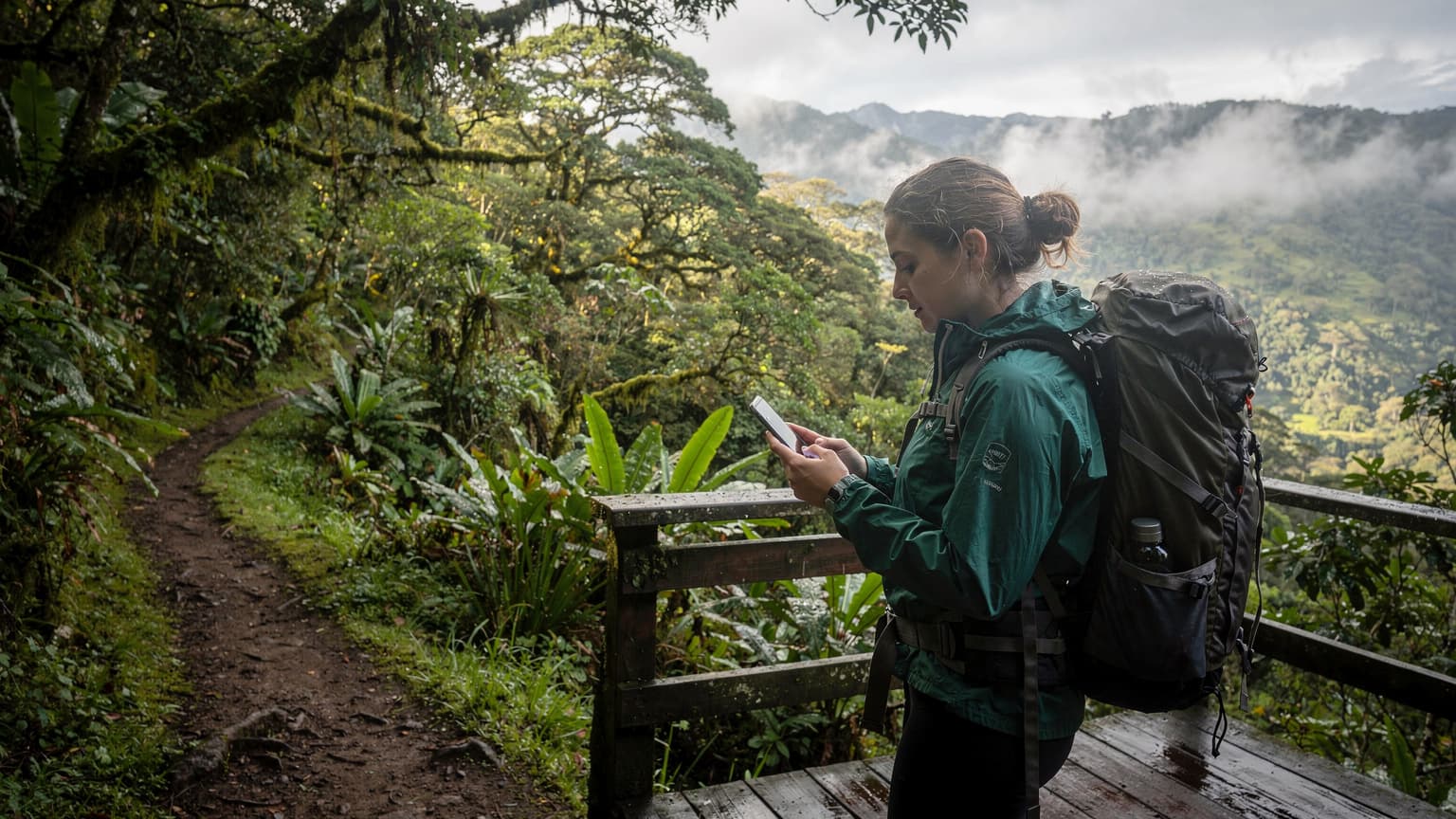

Ecuador Residency Connectivity: Why It Matters More Than You Think
Relocating to a new country, especially one as culturally rich and administratively unique as Ecuador, presents a distinct set of challenges. Beyond the initial excitement of exploring Quito's historic center or the vibrant markets of Cuenca, lies the often-unseen labyrinth of residency paperwork. This isn't just about forms and appointments, it's about being perpetually connected.
Think of it as a critical communication channel. When you're dealing with immigration offices, local banks, or even setting up utilities, a missed call or an undelivered email can set your entire timeline back by weeks, sometimes months. I've seen it happen: a client once missed a critical appointment confirmation because their temporary SIM card expired without warning, costing them another two months of waiting. This is where the engineering mindset kicks in, anticipating points of failure and designing for resilience.
The Unseen Delays of Disconnection
Ecuador's immigration system, like many, relies heavily on scheduled appointments and timely notifications. You'll likely receive SMS updates about document processing, calls from your immigration lawyer, or even requests for additional information via WhatsApp, a commonly used communication platform here. Without a stable, reliable connection, these crucial communications can simply vanish into the ether. Consider the impact on your bank account opening, which often requires a local phone number for verification, or the process of obtaining an RUC (Registro Único de Contribuyentes) for tax purposes. Each step hinges on consistent connectivity.
Moreover, the process isn't always linear. There might be an unexpected request for an apostilled document or a sudden change in office hours. Being able to access government portals, translate documents on the fly, or quickly contact your support network becomes indispensable. It's not just about data; it's about seamless access to information and people.
eSIM vs. Physical SIM: The Real-World Difference for Expats
When you first arrive in Ecuador, the immediate impulse might be to grab a local physical SIM card. While this seems straightforward, the nuances of the residency process make it less ideal than you might imagine. Physical SIMs require you to find a store, navigate language barriers, and often present specific identification documents, which you might not yet have fully in order. Then there's the activation wait, which, while usually quick, can sometimes hit unexpected snags.
eSIM, on the other hand, fundamentally changes this paradigm. It's a provisioned digital profile. This means you can purchase and activate an eSIM plan for Ecuador before you even leave your home country, or moments after landing at Mariscal Sucre International Airport (UIO). No physical store, no language barrier, no waiting for a plastic card. It's about optimizing your critical path to residency, removing as many variables as possible.
Why eSIM Wins on Portability and Dual-SIM Functionality
The real power of eSIM for long-term travelers and expats lies in its dual-SIM capabilities. Many modern smartphones, particularly iPhones from the XS generation onward, support both a physical SIM and an eSIM, or even multiple eSIM profiles simultaneously. This configuration allows you to keep your home country's number active for banking, two-factor authentication, and contact with family, while simultaneously using a local Ecuadorian data plan.
This dual-SIM setup is a game-changer. Imagine needing to receive a crucial SMS from your home bank for a transaction, while also relying on local data for navigation or to check an appointment time. With a physical SIM, you'd be constantly swapping cards, risking loss, or missing critical messages. With eSIM, both lines are active concurrently, providing unparalleled convenience and reliability. It effectively eliminates the 'either/or' choice that physical SIMs impose.
Activation Speed and Flexibility
Activating an eSIM is typically a matter of scanning a QR code or entering a few details, often completed in minutes. This rapid deployment capability is invaluable when you're dealing with the time-sensitive nature of immigration processes. You can literally be on the ground, connected, and checking emails while your taxi navigates the Avenida de las Américas. This contrasts sharply with the potential delays of finding a local store, waiting in line, and going through the physical activation process for a traditional SIM.
| Feature | eSIM for Ecuador | Physical SIM in Ecuador |
|---|---|---|
| Activation Time | Minutes (remote) | Hours to days (in-store) |
| Dual-SIM Support | Yes, seamless home + local | Requires phone with dual physical SIM slots or swapping |
| Purchase Location | Online, worldwide | Local retail store in Ecuador |
| ID Requirements | Minimal for purchase, tied to service provider | Passport, potentially local residency proof (if long-term) |
| Loss/Theft Risk | Low (digital profile) | High (physical card) |
| Environmental Impact | Minimal (no plastic) | Plastic waste generated |
Ecuador's Mobile Network Landscape: A Technical Overview
Understanding the underlying network infrastructure is crucial for making informed connectivity decisions. Ecuador's mobile market is dominated by three main operators: Claro, Movistar, and CNT. Each has its strengths and coverage profiles, particularly in urban versus rural areas. For anyone navigating residency, concentrating on the major urban centers like Quito, Guayaquil, and Cuenca is paramount, where network density and performance are generally highest.
Key Operators and Their Network Bands
Let's break down the primary players:
- Claro (Conecel): Generally considered the market leader with the most extensive coverage, particularly in less densely populated regions. Claro heavily utilizes LTE bands B2 (1900 MHz), B4 (AWS-1700/2100 MHz), and B7 (2600 MHz) for its 4G LTE services. For 5G, where available, expect to see n78 (3500 MHz). In Quito and Guayaquil, I've observed average downlink speeds on Claro's LTE network ranging from 30-80 Mbps, with uplink speeds typically in the 10-25 Mbps range, which is perfectly adequate for video calls and document uploads.
- Movistar (Telefónica Ecuador): A strong competitor, particularly in urban areas, offering reliable service. Movistar's LTE network primarily operates on B2 (1900 MHz), B4 (AWS-1700/2100 MHz), and B28 (700 MHz APT). The B28 band is particularly valuable for better indoor penetration and wider rural coverage due to its lower frequency. 5G deployment often uses n78. In my testing, Movistar's urban LTE speeds are comparable to Claro, often hitting 25-70 Mbps download and 8-20 Mbps upload.
- CNT (Corporación Nacional de Telecomunicaciones): The state-owned operator, with decent coverage in major cities but sometimes lagging in rural expansion compared to the other two. CNT uses LTE bands B2 (1900 MHz) and B4 (AWS-1700/2100 MHz). They're actively expanding, but their overall network footprint and capacity can sometimes feel a step behind. Speeds tend to be slightly lower, averaging 20-50 Mbps download and 5-15 Mbps upload in cities.
When selecting an eSIM for Ecuador, understanding which local operator it partners with is key. Most reputable eSIM providers will leverage one of these major networks to ensure optimal coverage.
5G Rollout and Future Prospects
Ecuador is in the early stages of 5G deployment, primarily focusing on the 3.5 GHz band (n78). While 5G is not yet ubiquitous, it's increasingly available in central business districts and high-traffic areas of Quito and Guayaquil. For residency purposes, 4G LTE is more than sufficient, but having 5G access in key government buildings or busy urban centers can certainly enhance your experience. Keep an eye on network coverage maps provided by the local operators, as 5G expansion is dynamic.
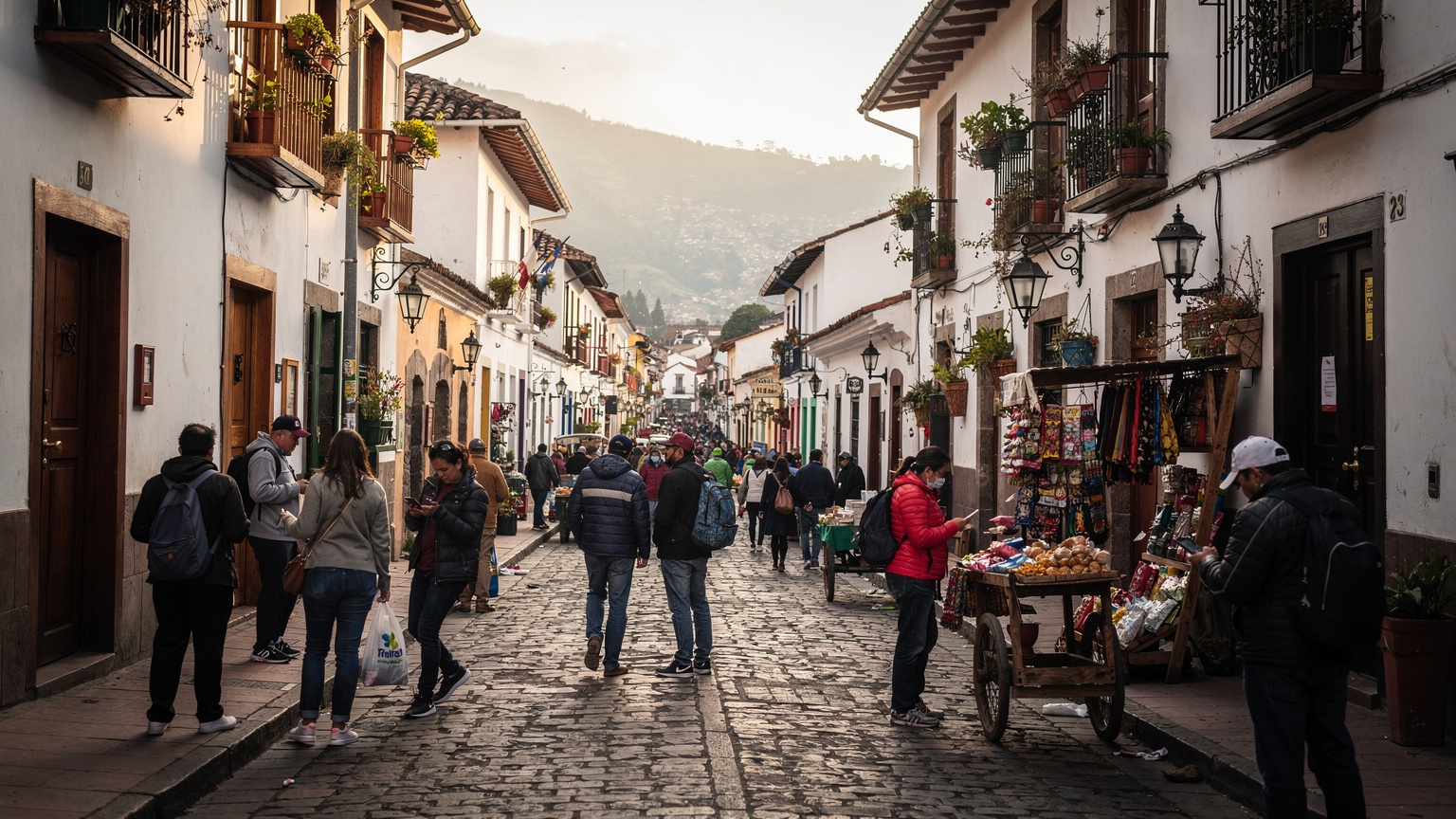
Optimizing Your eSIM for Ecuadorian Networks
Simply having an eSIM isn't enough; you need to configure it correctly to ensure peak performance on Ecuadorian networks. This involves a few technical checks that can often make the difference between a frustrating experience and seamless connectivity. Many travelers overlook these details, assuming 'it just works,' but a little proactive setup goes a long way.
APN Settings: A Critical Detail
The Access Point Name (APN) is a fundamental configuration that defines the network path for your data connection. While most eSIMs auto-configure, some specific phone models or network configurations might require manual intervention. For instance, certain older Android devices, or even some recent models from lesser-known brands, can occasionally struggle with automatic APN detection, especially if they're used to very specific regional carrier profiles. If your data isn't working after activation, checking the APN settings should be your first step.
Typical APN settings for Ecuador's major carriers are usually straightforward:
- Claro: APN 'internet.claro.com.ec'
- Movistar: APN 'internet.movistar.com.ec'
- CNT: APN 'internet.cnt.net.ec'
Always verify these with your eSIM provider, as they might have specific configurations for their bundled services. Navigate to your phone's Settings > Mobile Data > Network Selection / APN to check and adjust these. Incorrect APN settings are a surprisingly common culprit for 'no data' issues.
VoLTE and VoWiFi: Ensuring Voice Calls
Voice over LTE (VoLTE) and Voice over WiFi (VoWiFi) are crucial for high-quality voice calls, especially when dealing with important immigration contacts. Not all eSIM plans or local carriers fully support VoLTE or VoWiFi for all international roaming partners. This means you might find your phone dropping to 3G or even 2G for voice calls, impacting call quality and stability.
Before relying on your eSIM for critical voice communications, especially with government offices that might not have the best landlines, verify if your eSIM plan includes VoLTE support on the Ecuadorian network it partners with. If not, consider using VoIP apps like WhatsApp (ubiquitous in Ecuador), Google Meet, or Zoom for calls, which rely on data connectivity. This is a common gotcha that parents often encounter when trying to keep in touch with their kids abroad, so it's worth pre-empting.
Troubleshooting Common eSIM Issues in Ecuador
Even with the most robust technology, issues can arise. Knowing how to quickly diagnose and resolve common eSIM problems in Ecuador can save you significant stress, especially when you're on a tight schedule for residency appointments. My rule of thumb: always start with the simplest diagnostic steps before escalating.
Checklist for No Service or No Data
If your eSIM isn't connecting, run through this quick troubleshooting checklist:
- Toggle Airplane Mode: This often forces your phone to re-register with the network. A quick on-off cycle can resolve transient network glitches.
- Verify eSIM is Enabled: In your phone's settings, ensure the specific eSIM profile for Ecuador is turned on and set for mobile data. Sometimes, if you have multiple eSIMs, the wrong one might be active.
- Check APN Settings: As discussed, confirm your Access Point Name (APN) is correctly configured for the local carrier your eSIM uses. This is a prime suspect for data issues.
- Manual Network Selection: Instead of 'Automatic,' try selecting the network manually. Go to Settings > Mobile Data > Network Selection. This lets you see available local carriers (Claro, Movistar, CNT) and attempt to register with each.
- Restart Your Device: The classic IT solution, but often effective. A full reboot can clear temporary software conflicts or network registration issues.
- Update Carrier Settings: Ensure your phone's carrier settings are up to date. You can usually check this in Settings > General > About on iOS, or System Updates on Android.
When all else fails, remember that a stable WiFi connection can be your lifeline for contacting eSIM provider support. Many cafes in Ecuadorian cities offer free WiFi, making them excellent troubleshooting hubs.
Dealing with Weak Signal and Congestion
Ecuador's urban centers, while generally well-covered, can experience network congestion, particularly during peak hours or large public events. This is a characteristic of any dense mobile network. If you're experiencing slow speeds or dropped calls in a specific area, it might be due to a high user density on a particular cell tower, leading to reduced throughput per user. This is an inherent limitation of shared radio spectrum, not necessarily an eSIM problem.
If you're stuck in a low-signal area, say a basement office in a government building, consider stepping outside or finding a window. Lower frequency bands like Movistar's B28 (700 MHz) generally offer better building penetration than higher frequency bands like B7 (2600 MHz), so if your eSIM provider partners with Movistar, you might have a slight advantage in such scenarios. For data-intensive tasks, always try to offload to Wi-Fi where possible.
Managing Costs and Data Plans for Long-Term Stay
Relocating isn't just a short trip; it's a long-term commitment. This means your connectivity strategy needs to evolve beyond basic tourist plans. While short-term eSIMs are great for immediate arrival, a more permanent solution is required for sustained residency. The goal is to balance cost, data allocation, and ongoing administrative needs.
Comparing eSIM Plans for Extended Use
When selecting an eSIM for an extended stay in Ecuador, focus on plans that offer larger data allowances and longer validity periods. Don't just look at the gigabytes, but also the per-gigabyte cost and the expiry date. Many global eSIM providers offer regional plans that cover multiple South American countries, which can be useful if you anticipate any border runs or short trips to neighboring Colombia or Peru during your residency application. Always scrutinize the fine print for data caps, throttling policies, and whether the plan includes a local number or is data-only.
| Provider Type | Pros for Expats | Cons for Expats | Typical Data Allowance/Cost |
|---|---|---|---|
| Global eSIM Providers | Easy activation, global coverage, often cheaper per GB for short trips | Data-only (no local number), higher per GB for long-term, no local support | 10 GB for 30 days, ~$25-35 USD |
| Local Carrier eSIM (Claro, Movistar) | Local number, direct support, best rates for heavy use | Requires local ID (post-residency), may need in-store activation, language barrier | 30 GB for 30 days, ~$15-25 USD |
| Specialized Expat eSIMs | Often include local numbers, tailored for long stays, some support services | Fewer options, potentially higher setup costs, less flexibility | Variable, often bundled with other services |
Transitioning to a Local Plan Post-Residency
Once your residency is secured and you have your cédula (Ecuadorian ID card), transitioning to a local carrier's direct eSIM plan (or even a physical SIM if preferred) becomes much easier and often more cost-effective for long-term, heavy usage. Claro and Movistar offer a range of postpaid and prepaid plans with significant data allocations and local call/SMS bundles. At this point, you'll have all the necessary documentation to register a plan in your name, often unlocking better rates and direct access to customer service.
Here's a simplified procedure for transitioning:
- Obtain Your Cédula: This is the key document. Your Ecuadorian ID card will be required for almost all long-term service contracts.
- Research Local Carrier Plans: Visit the official websites of Claro, Movistar, and CNT (or their physical stores) to compare current postpaid and prepaid offerings. Look for plans that match your typical data consumption and call needs.
- Visit a Carrier Store: With your cédula and passport, go to your chosen carrier's customer service center. Be prepared for potential queues, especially in major cities.
- Request eSIM Activation: If your phone supports it, specifically ask for an eSIM activation. While physical SIMs are still more common, major carriers are increasingly supporting eSIM for local plans. Be clear about wanting to retain your current phone number if you started with a temporary local SIM.
- Configure and Test: Once activated, ensure your APN settings are correct and test data, calls, and SMS to confirm everything is working as expected.
Securing Your Digital Life While Abroad
Moving abroad, particularly during the administrative phase of residency, exposes you to new digital security risks. Your mobile connection is the gateway to your personal and financial information. Therefore, robust security practices are not optional, they are essential. This isn't just about protecting against obvious threats, but understanding the subtle vulnerabilities that emerge when you change your digital environment.
Public Wi-Fi vs. Cellular Data: A Security Calculus
While public Wi-Fi can be convenient in cafes or airports, it's inherently less secure than your cellular data connection. Public networks are often unencrypted, making your data vulnerable to interception. For sensitive tasks, such as online banking, submitting documents to government portals, or accessing personal email, always prioritize your cellular data connection (via eSIM) over public Wi-Fi. If you must use public Wi-Fi, employing a reputable Virtual Private Network (VPN) is non-negotiable. It creates an encrypted tunnel, safeguarding your data even on an unsecured network. Think of your eSIM as a private, secure lane, while public Wi-Fi is a multi-lane highway with no speed limits and questionable drivers.
Furthermore, be wary of 'free' public charging stations. These can sometimes be compromised, allowing data access from your device. Stick to charging from trusted power outlets or using your own power bank. These are small habits that collectively build a strong security posture.
Protecting Your Identity and Data
Beyond network security, consider the physical security of your device. Ecuador, like any country, has its share of petty crime. Always be aware of your surroundings, especially when using your phone in public. Enable strong passcodes, biometric authentication (fingerprint, face ID), and remote wipe capabilities on your device.
- Two-Factor Authentication (2FA): Ensure 2FA is enabled on all critical accounts, especially email, banking, and cloud services. If your 2FA relies on your home country's phone number, confirm that number remains active via your dual-SIM setup. This is a crucial point, as losing access to 2FA can effectively lock you out of vital services.
- Software Updates: Keep your phone's operating system and all apps updated. Security patches frequently address vulnerabilities that could be exploited.
- Secure Passwords: Use unique, complex passwords for different services. A password manager can be an invaluable tool for this.
- Data Backups: Regularly back up your phone's data to a secure cloud service. Losing your phone is stressful enough; losing all your data alongside it is catastrophic, especially during a residency application when you might have photos of documents or important contact information stored locally.

The Future of Connectivity for Ecuadorian Expats
The landscape of mobile connectivity is constantly evolving, and for expats in Ecuador, these advancements promise even greater convenience and efficiency. From the continued expansion of 5G to emerging satellite-to-phone technologies, staying informed about these developments will help you maintain an optimal connection strategy. The trend is clearly towards more flexible, software-defined networks.
Emerging Technologies: Satellite and Beyond
While mainstream adoption is still some years away, satellite-to-phone connectivity is an exciting prospect. Companies are developing technologies that would allow standard smartphones to connect directly to low Earth orbit (LEO) satellites, offering basic messaging or even data services in areas without traditional cellular coverage. For a country with diverse geography like Ecuador, from the Amazon basin to the Andes, this could eventually offer unprecedented connectivity in remote areas where cellular tower deployment is impractical. While not directly relevant for urban residency applications today, it signifies a future where true 'no service' zones might become a relic of the past.
The Role of Wi-Fi 6E and Private 5G Networks
Closer to home, the proliferation of Wi-Fi 6E in modern routers and devices, along with the potential for private 5G networks in larger residential complexes or expat communities, will further enhance local connectivity. Wi-Fi 6E operates in the 6 GHz band, offering significantly more bandwidth and lower latency, reducing congestion in busy residential buildings. While your eSIM provides wide-area coverage, robust local Wi-Fi remains a critical component of a balanced connectivity strategy, especially for high-bandwidth activities like remote work or streaming.
The key takeaway for anyone relocating to Ecuador for residency is this: connectivity is not a luxury, it's a utility as essential as electricity and water. By leveraging the flexibility and reliability of eSIM technology, understanding the local network specifics, and employing sound security practices, you can ensure your journey through the Ecuadorian bureaucracy is as smooth and connected as possible. Don't underestimate the power of a stable signal in sealing your new life abroad.
Frequently Asked Questions
Can I use an eSIM for my residency application in Ecuador?
Yes, absolutely. An eSIM is an excellent choice for your residency application in Ecuador. It provides immediate connectivity upon arrival, allowing you to stay in touch with immigration lawyers, receive important updates, and access online government portals without the delays of acquiring a physical SIM card.
Which mobile networks do eSIMs typically use in Ecuador?
Most global eSIM providers for Ecuador partner with major local carriers like Claro or Movistar. Claro generally offers the widest coverage, while Movistar provides strong performance, especially in urban areas and with its B28 low-frequency band for better indoor penetration. Always check your specific eSIM provider's network partners.
Will my home phone number still work with an eSIM in Ecuador?
Yes, if your phone supports dual-SIM functionality (most modern smartphones do). You can keep your physical SIM (or another eSIM) for your home number active for calls and SMS, while using a separate eSIM profile for local data in Ecuador. This is ideal for receiving banking codes or family calls.
What kind of data speeds can I expect with an eSIM in Ecuador?
In major urban centers like Quito, Guayaquil, and Cuenca, you can expect 4G LTE download speeds ranging from 25-80 Mbps and upload speeds of 8-25 Mbps, depending on the network partner and congestion. 5G is available in some areas, offering higher speeds, but 4G LTE is generally reliable for all residency needs.
Are there any APN settings I need to worry about with an eSIM in Ecuador?
While most eSIMs auto-configure, some devices might require manual APN setup if data isn't working. For Claro, the APN is typically 'internet.claro.com.ec', for Movistar 'internet.movistar.com.ec', and for CNT 'internet.cnt.net.ec'. Always consult your eSIM provider for their specific recommended settings.
What if I need a local Ecuadorian phone number for my residency process?
Many global eSIM plans are data-only. If you specifically need a local Ecuadorian phone number, you may need to purchase a physical SIM card from a local carrier (Claro, Movistar, CNT) once you have your passport and potentially your cédula (Ecuadorian ID). Alternatively, some specialized expat eSIMs may offer local numbers, but these are less common.